Blurring faces in photos is a fast, effective way to protect privacy before sharing online. In this guide, we’ll walk you through how to blur faces on iPhone using the Blur Face app.
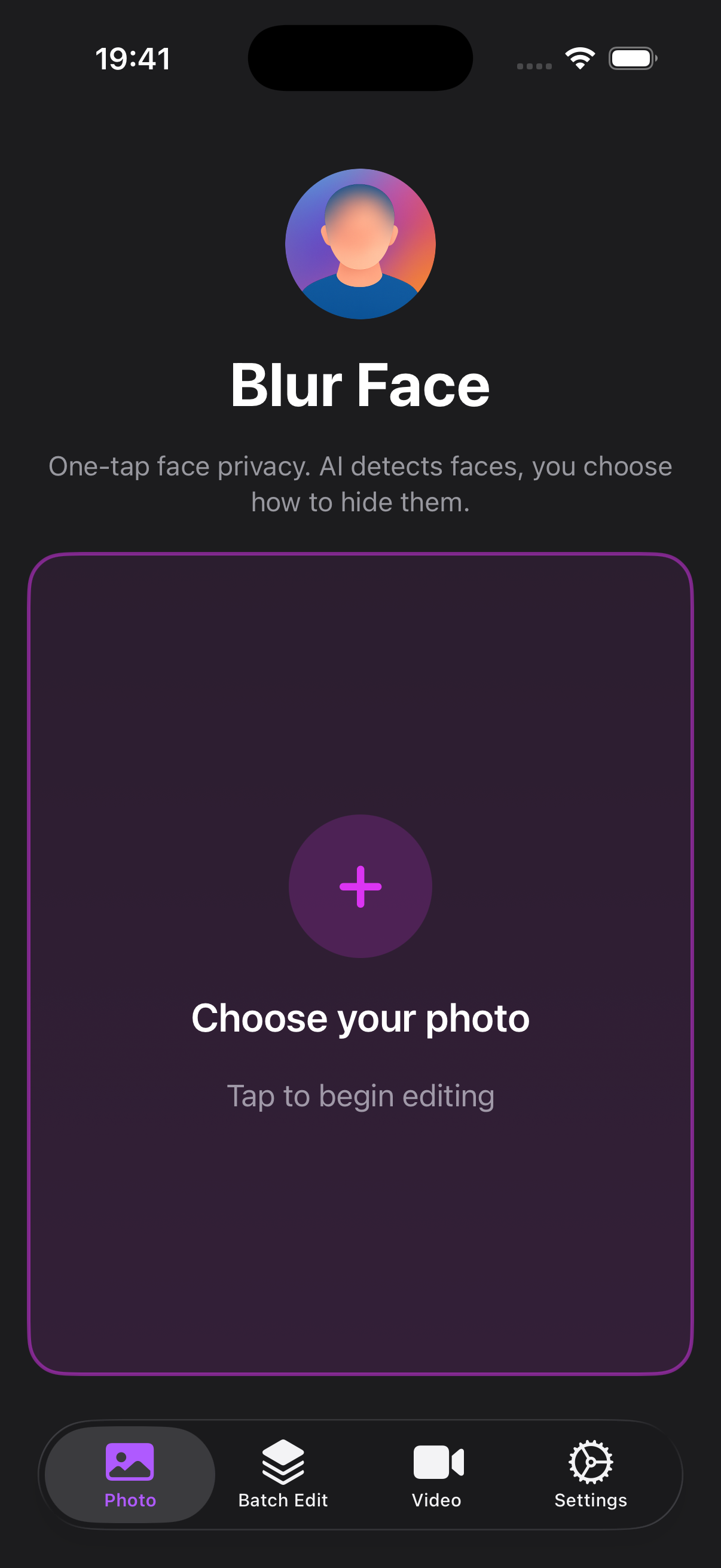
Step 1: Open the app
Start Blur Face on your iPhone.
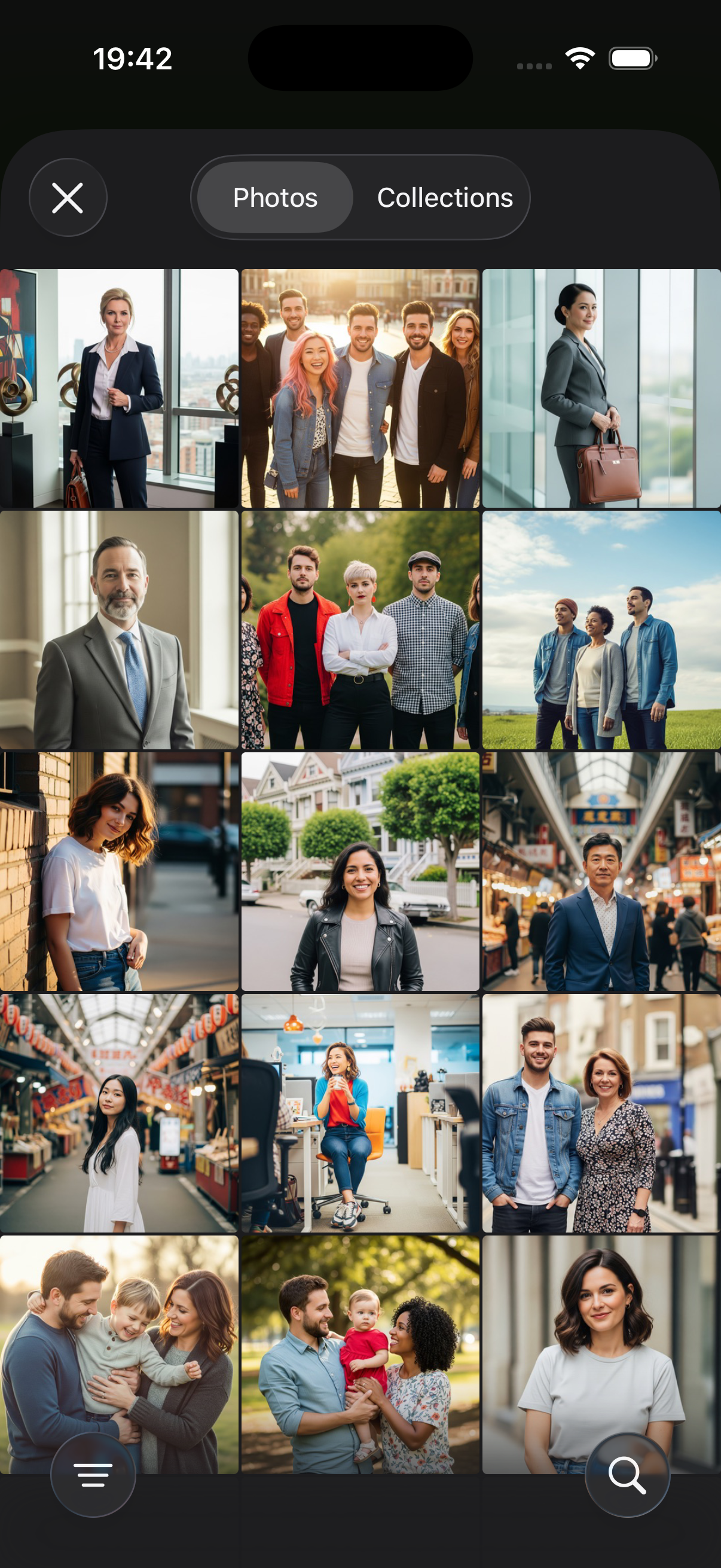
Step 2: Select a photo
Choose a photo from your library.
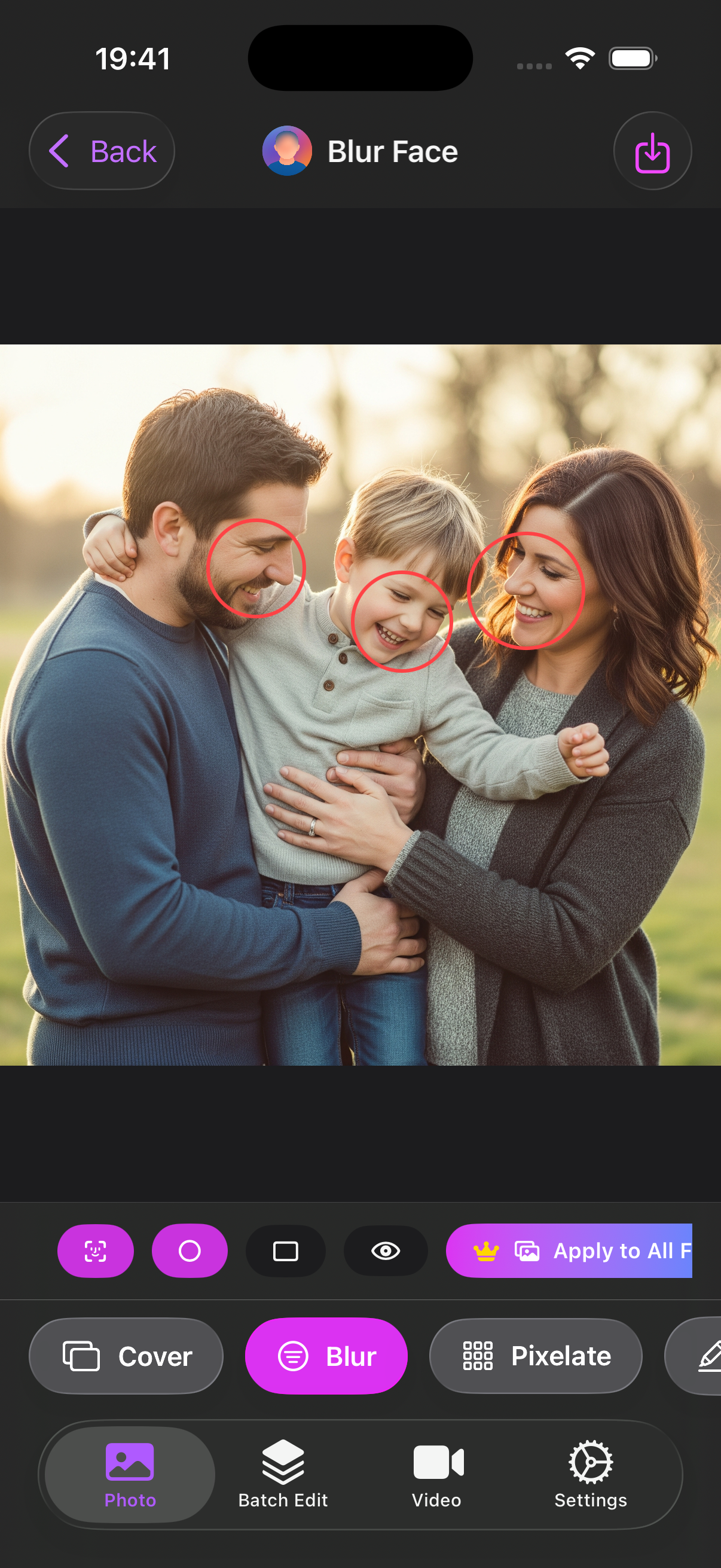
Step 3: Detect faces automatically
Use AI-powered detection to find faces instantly.
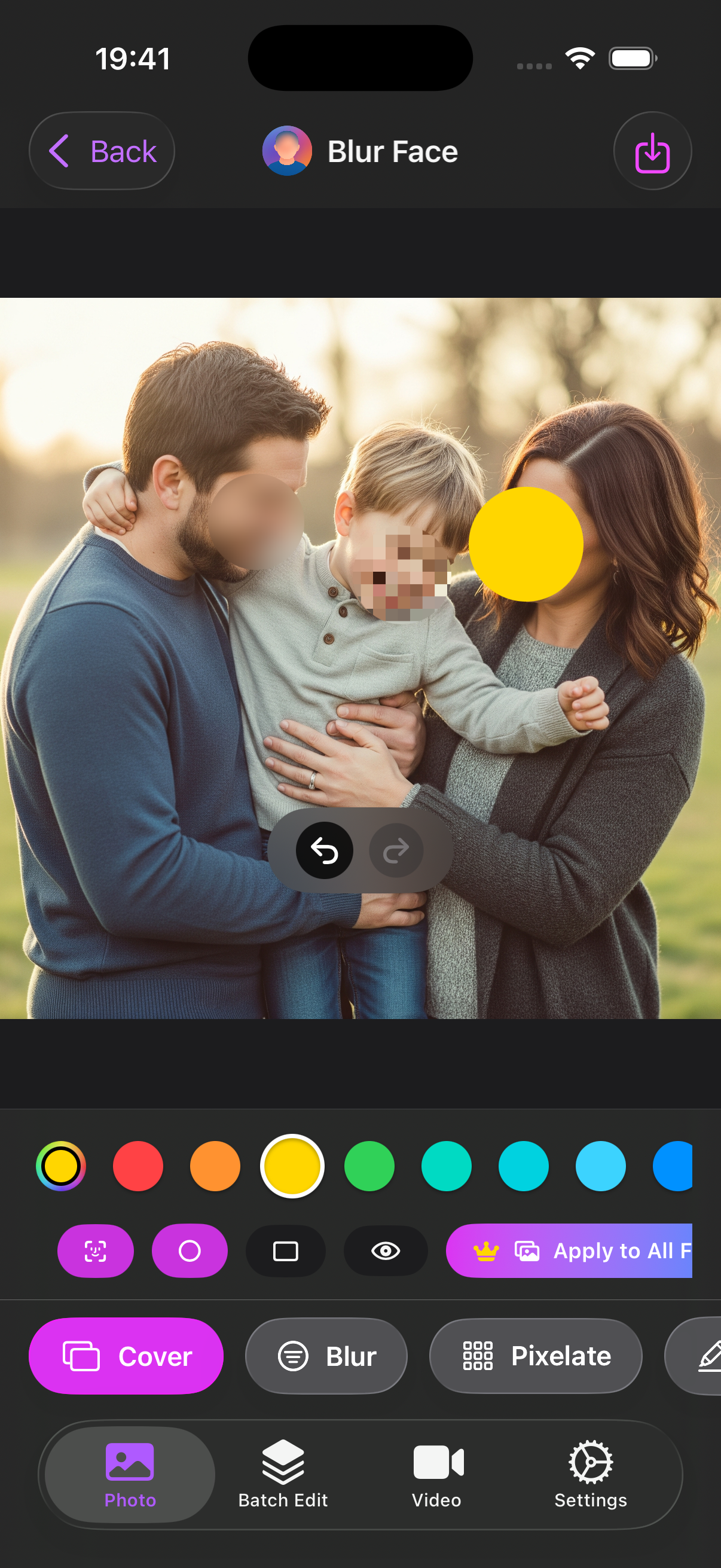
Step 4: Select Blur, Pixalate or Cover - just one click to blur face!
Choose blurring effect
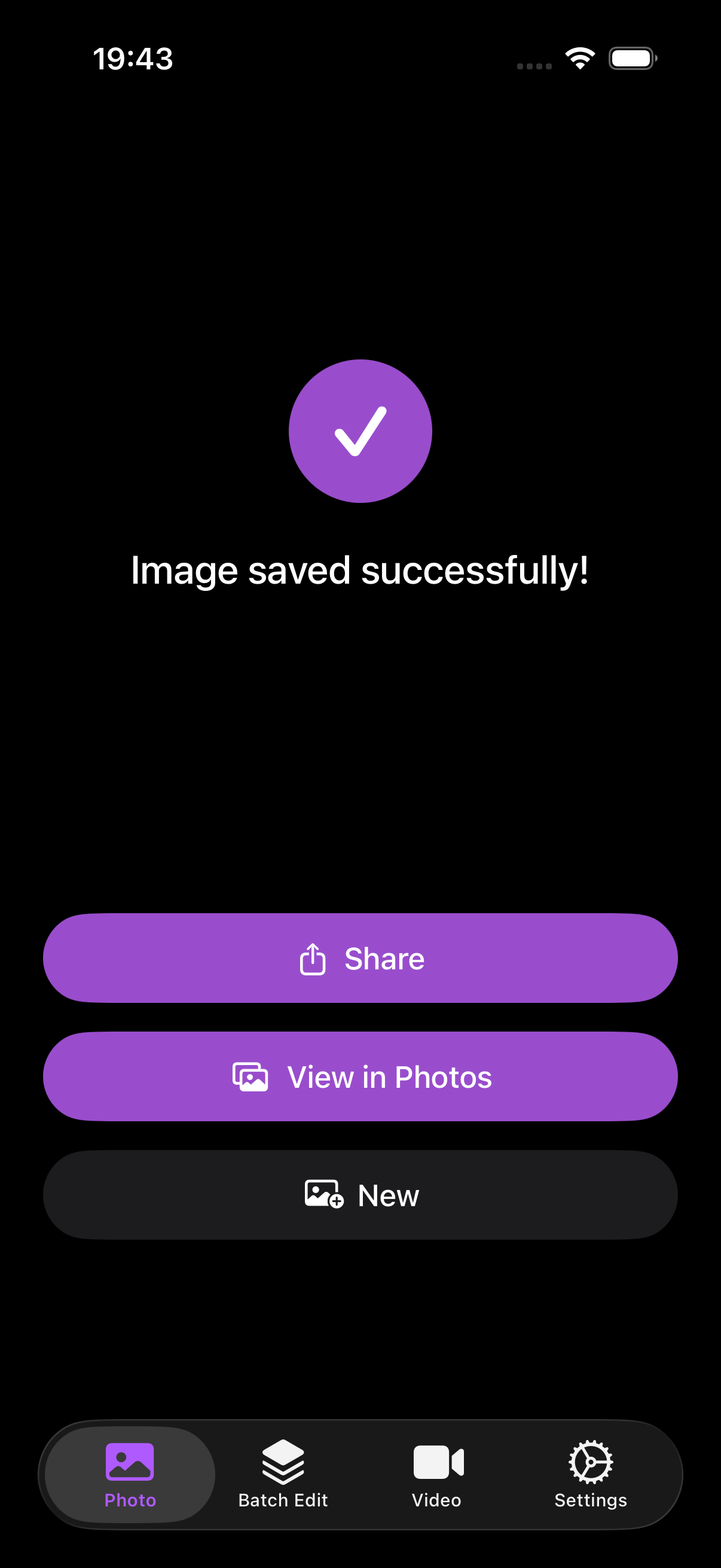
Step 5: Done! Export and share
Save the protected photo and share confidently.
Tips for best results
- Ensure faces are clearly visible for optimal detection
- Use stronger blur for public sharing
- Review the entire image for sensitive details (license plates, documents)
Download Blur Face for iOS
Get the app on the App Store:
Download: https://apps.apple.com/us/app/blur-face-photo-video/id6752768634